

Need Help With Your Booking?
Locate Your Booking Here
FAQs
-
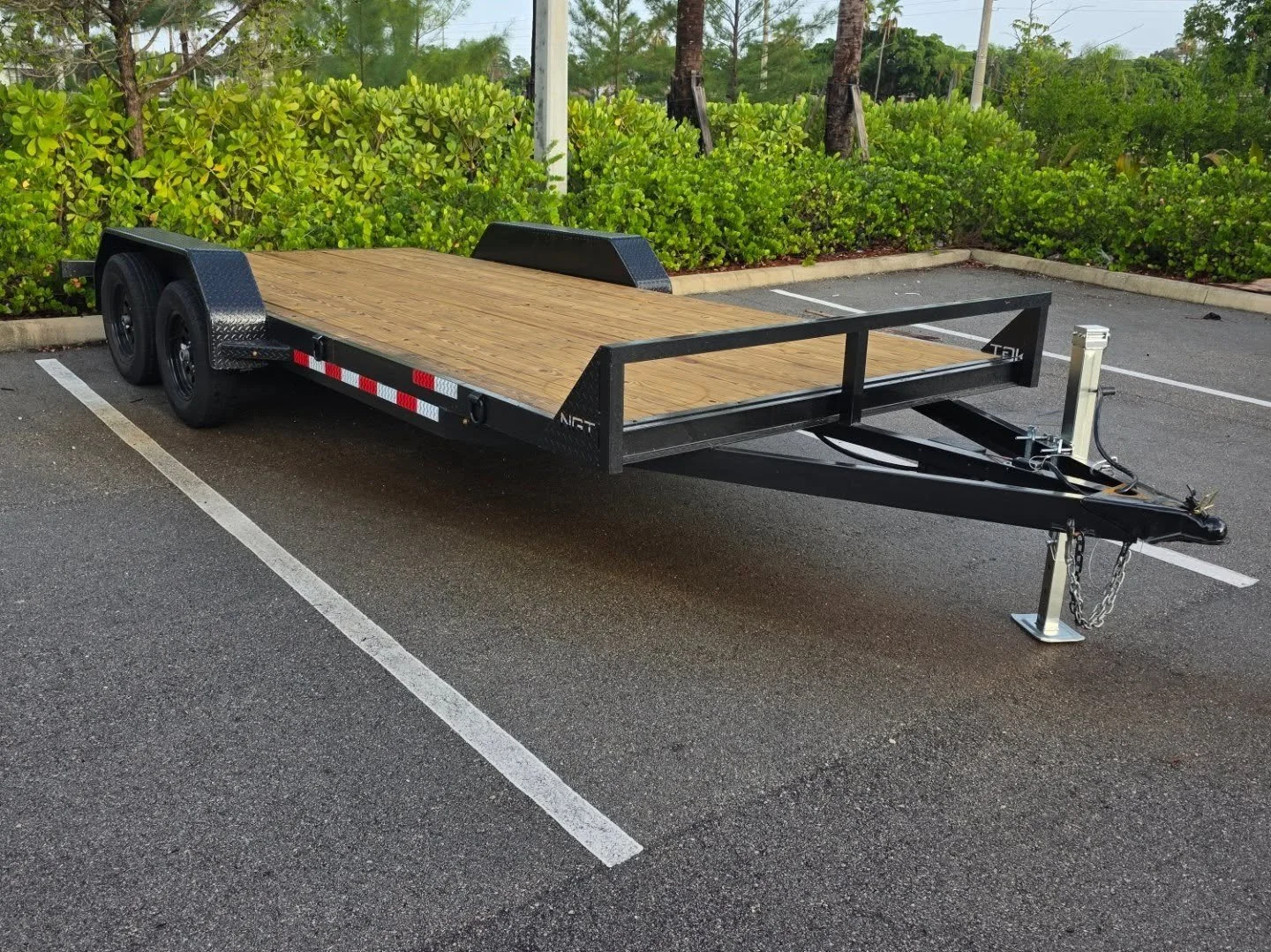
How do I collect my trailer? Once your booking is confirmed, you'll receive a confirmation email with your pickup instructions and access details. Head to your nominated Gold Coast Trailer & Equipment location, follow the steps in your email to unlock your trailer contactlessly, and you're good to go. No staff interaction required — our self-service pickup process is available during operating hours, seven days a week. If you have any trouble on the day, our support number is included in your confirmation.
-
First, check your spam or junk folder — confirmation emails occasionally get filtered. If it's not there, double-check that the email address you booked with was entered correctly. You can also log into your account on our website to view your booking details and resend your confirmation. Still can't find it? Contact us via the form on this page and we'll get it sorted for you quickly.
-
We're here to help. If you run into any issues during the rental process — whether it's a payment problem, a question about trailer sizes, or anything else — you can reach us via the contact form on this site or call us directly at 561-528-7306 during business hours (Mon–Sat, 9am–5pm). For urgent issues on the day of your pickup, your confirmation email includes an emergency support contact.
-
Identity verification is a required step to complete your trailer rental booking — it helps protect both you and our business. If you're experiencing issues, make sure you're using a valid, government-issued photo ID and that your camera permissions are enabled on your device. Try switching to a different browser or device if the problem persists. If verification continues to fail, contact us directly at 561-528-7306 or via our contact form and we'll manually assist you through the process.